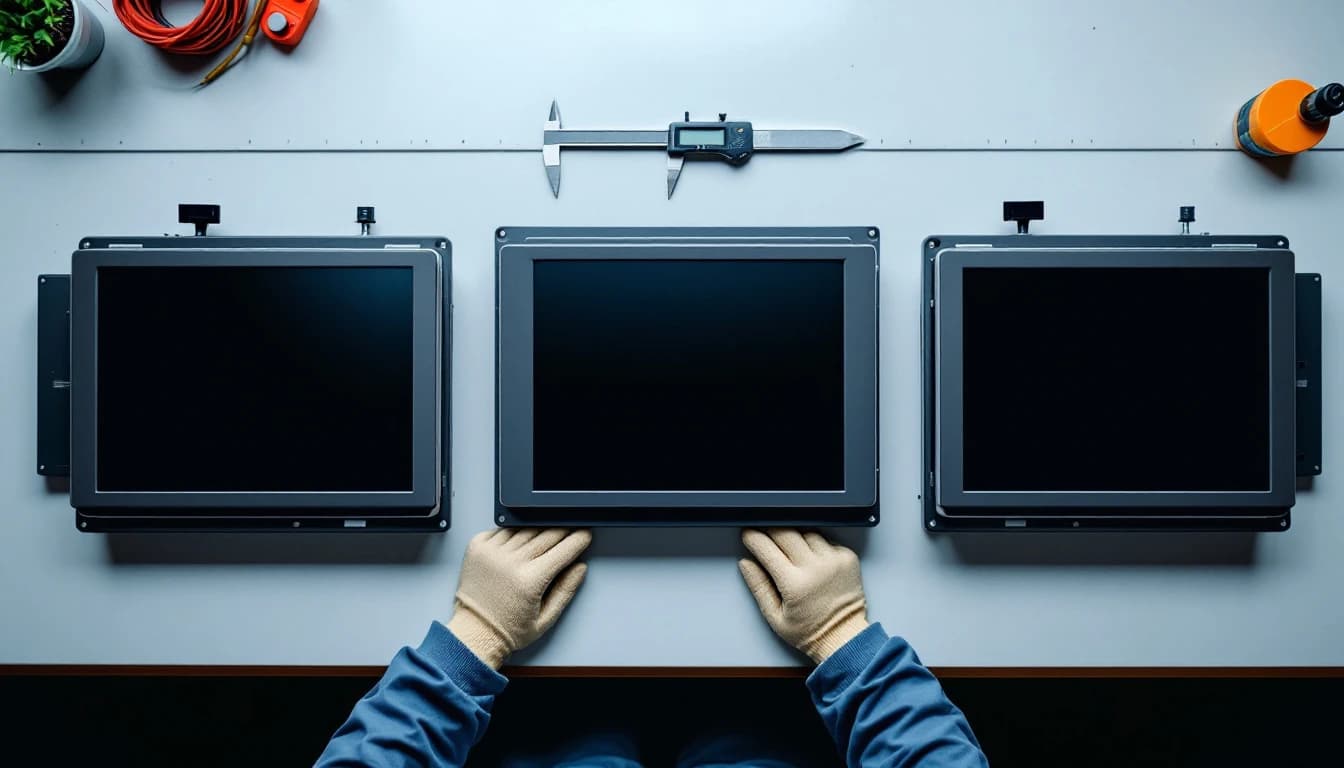
A Siemens 6AV article number identifies the panel family before anything else: 6AV2124 is a Comfort Panel, 6AV2123 is a current-generation Basic Panel, 6AV6642 is the legacy 177 series, 6AV6643 is the 277 series and 6AV6644 is the 377 series. The 6AV2 prefix marks current-generation hardware and 6AV6 marks the older generations — which, on this product line, is the difference between a panel you can still buy and a panel you can only keep alive.
That single distinction answers most of the questions we get on the phone. Below is how to read the rest of the number, what each family is worth doing about, and where the discontinuations have landed.
The family map
Every article number below is one we see on the bench regularly and repair to component level.
| Article number | Panel | Family | Status | Repair |
|---|---|---|---|---|
| 6AV2124-0GC01-0AX0 | TP700 Comfort | Comfort Panel | Current generation, cancellation notices issued across the range | $499 flat |
| 6AV2124-0JC01-0AX0 | TP900 Comfort | Comfort Panel | As above | $499 flat |
| 6AV2124-0MC01-0AX0 | TP1200 Comfort | Comfort Panel | As above | $499 flat |
| 6AV2124-1GC01-0AX0 | KP700 Comfort (key) | Comfort Panel | As above | $499 flat |
| 6AV2123-2DB03-0AX0 | KTP400 Basic | Basic Panel 2nd gen | Current generation | $349 flat |
| 6AV2123-2GB03-0AX0 | KTP700 Basic | Basic Panel 2nd gen | Current generation | $349 flat |
| 6AV2123-2JB03-0AX0 | KTP900 Basic | Basic Panel 2nd gen | Current generation | $349 flat |
| 6AV2123-2MB03-0AX0 | KTP1200 Basic | Basic Panel 2nd gen | Current generation | $349 flat |
| 6AV6642-0AA11-0AX1 | TP177A | 177 series | Legacy | $349 flat |
| 6AV6642-0BA01-1AX1 | TP177B | 177 series | Legacy | $349 flat |
| 6AV6643-0CB01-1AX1 | OP277 | 277 series | Legacy | $349 flat |
| 6AV6643-0CD01-1AX1 | MP277-10 Touch | Multi Panel | Obsolete | $549 flat |
| 6AV6644-0AA01-2AX0 | MP377-12 Touch | Multi Panel | Obsolete | $549 flat |
| 6AV6644-0AB01-2AX0 | MP377-15 Touch | Multi Panel | Obsolete | $549 flat |
Comfort Panels 15 inches and larger are priced from $599 rather than $499, for the same reason large panels cost more everywhere: bigger display and touch assemblies. Rush service is $149 and emergency service $399, and every repair carries the 24-month warranty. Current flat pricing across the Siemens range is laid out in Siemens Comfort Panel repair cost.
How the number is built
Siemens article numbers are structured rather than sequential, which means you can read a panel you have never seen before.
The first block names the generation and family. 6AV is the HMI and industrial-PC domain. The digit that follows separates generations: 6AV2 for current-generation SIMATIC HMI hardware, 6AV6 for the generations that preceded it. Then the family: 6AV2124 Comfort Panels, 6AV2123 second-generation Basic Panels, 6AV6642 the 177 series, 6AV6643 the 277 series, 6AV6644 the 377 series.
The second block carries size and variant. Within a family, that middle group separates a 7-inch from a 9-inch from a 12-inch, and separates touch from key operation — which is why 6AV2124-0GC01 is the TP700 touch panel while 6AV2124-1GC01 is the KP700 key panel of the same size and generation.
The trailing block is the hardware revision and variant. Suffixes like -0AX0 and -1AX1 mark revisions and regional or interface variants. For repair purposes this block matters less than the first two, but it matters for replacement — two panels with the same family and size can differ in interface or firmware expectations in the trailing digits.
The practical rule: when ordering, the whole string matters. When diagnosing, the first two blocks are enough. A TP900 Comfort is a TP900 Comfort regardless of trailing revision, and the failure set does not change with the suffix.
"I keep a laminated card in the panel shop with just the first eight characters and what they mean. It stops people from ordering a key panel to replace a touch panel, which happened to us twice before the card existed."
— Automation supervisor, 16 years, converting; name withheld by request
What the generations mean for you
6AV2124 — Comfort Panels. The workhorse of current Siemens HMI installations, and the family where the obsolescence story has turned. Siemens has issued cancellation notices affecting the Comfort Panel range, which means replacement increasingly implies a migration to the successor generation with the project conversion and re-commissioning that entails, rather than a like-for-like swap. Against a flat repair that returns your configured panel in days, that arithmetic is not close.
6AV2123 — Basic Panels, second generation. Current, widely available, and the family where we are most likely to tell you the repair decision is genuinely open. These are inexpensive panels; the case for repair is usually lead time plus the fact that the configured unit comes back rather than a blank one.
6AV6642 / 6AV6643 — the 177 and 277 series. Long superseded, enormous installed base, and still running lines everywhere because they were built well. Replacement means a current panel and a project conversion. Repair keeps the machine exactly as commissioned.
6AV6644 — MP377 Multi Panels. Obsolete, and scarce on the secondary market at prices that reward repair comfortably. The failure profile is identical to the rest of the family, which is the whole reason they repair well.
What actually fails, across all of them
The failure set barely changes across two decades of this product line, which is why flat pricing works:
Power supply capacitors first. A panel that is dead, restarts itself, or powers on and then shuts down is almost always aged electrolytics in the 24 VDC input stage. Electrolyte escapes through the seal over years of heat, and the standard Arrhenius guidance is that every 10 °C of sustained temperature rise roughly halves electrolytic life. A panel on an enclosure door above a drive stack ages fast, and so does everything else in that cabinet.
Touch second. Dead zones, drift, or a panel that renders perfectly and ignores every press. That is the digitizer. If the panel still answers over the network while the glass does not, the logic board has already proved itself healthy.
Backlight third. A dark screen showing faint graphics under an angled flashlight is a backlight, not a dead panel — the sixty-second check described in the flashlight test.
None of the three touches the flash memory holding your WinCC runtime, which is the answer to the question everybody asks next and which is covered properly in does my program survive the repair?
Finding the number on the panel
The article number is on the rating label on the rear housing, usually alongside the serial number and the supply rating. On panels that have spent fifteen years on a hot enclosure door, that label may be unreadable — in which case photograph what remains, measure the display diagonal, and note whether it is touch, key or both. Family, size and operation type are enough for us to identify it.
Do not guess from the model name silkscreened on the front. Several families share front-panel naming across generations with different article numbers underneath, and the article number is what determines parts.
Context beyond the panel
Two notes that come up on nearly every Siemens HMI call.
Siemens S7-300 and S7-400 controllers reached type discontinuation in October 2025, which puts the panel and the controller behind it on similar clocks. If you are planning around one, plan around both — the relevant pricing sits in PLC repair cost and rack supplies in industrial power supply repair cost.
And the safety point, because a panel lives on a door that swings into a live cabinet: isolate and verify before removing anything. The control-of-hazardous-energy requirements (osha.gov) and the industrial machinery electrical practices in NFPA 79 (nfpa.org) apply to the enclosure you are opening, whatever the panel on the front of it is doing. The wider standards framework for this equipment sits with IEC (iec.ch) and ANSI (ansi.org), and asset-management practice (iso.org) is increasingly explicit that serviceability rather than catalogue status should drive replacement timing.
As of September 2026 the identification table above matches our live catalogue. Ship the panel only, per the mail-in instructions, and pack it per the shipping guide — a repairable panel that arrives with a cracked LCD has converted a flat price into a quote. When you are ready, start a repair.
Frequently asked questions
How do I read a Siemens 6AV part number?
Read it in blocks. The first block gives generation and family — 6AV2124 is a Comfort Panel, 6AV2123 a current-generation Basic Panel, 6AV6642 the 177 series, 6AV6643 the 277 series, 6AV6644 the 377 series. The second block carries size and whether the panel is touch or key operated. The trailing block is hardware revision and variant. For diagnosis the first two blocks are enough; for ordering a replacement, the whole string matters.
What is the difference between 6AV2 and 6AV6?
6AV2 marks current-generation SIMATIC HMI hardware — Comfort Panels and second-generation Basic Panels. 6AV6 marks the earlier generations, including the 177, 277 and 377 series. In practice it is the fastest way to tell whether a panel is something you can still buy or something you can only keep running.
Which Siemens panels are discontinued?
The MP277 and MP377 Multi Panels are obsolete, and the 177 and 277 series are long superseded. Cancellation notices have also been issued affecting the Comfort Panel range, which is why repair rather than replacement is now the shorter path on a growing share of that family. Second-generation Basic Panels remain current.
Where do I find the article number on the panel?
On the rating label on the rear housing, beside the serial number and supply rating. If years of heat have made the label unreadable, photograph what is left, measure the display diagonal and note whether it is touch, key or both — family, size and operation type are enough to identify the unit.
Does the trailing suffix change the repair?
No. Suffixes such as -0AX0 and -1AX1 denote hardware revisions and variants, and the failure set — power supply capacitors, touch digitizer, backlight — is the same across them. The suffix matters when buying a replacement, not when repairing the panel you have.
What does Siemens HMI repair cost?
Comfort Panels are a flat $499 for TP700, TP900 and TP1200 class units and from $599 for 15 inch and larger. Basic and 177/277 series panels are $349 flat, and MP277 and MP377 Multi Panels are $549 flat. Rush service is $149 and emergency service $399.
Will my WinCC project survive?
Yes. The runtime project lives in the panel's internal flash and memory card, physically separate from the power supply, digitizer and backlight components that fail. Repaired panels are tested booted into your application rather than a test pattern.
Have this exact problem?
Start a repair or get a free technician review — we'll tell you honestly whether it's worth fixing.