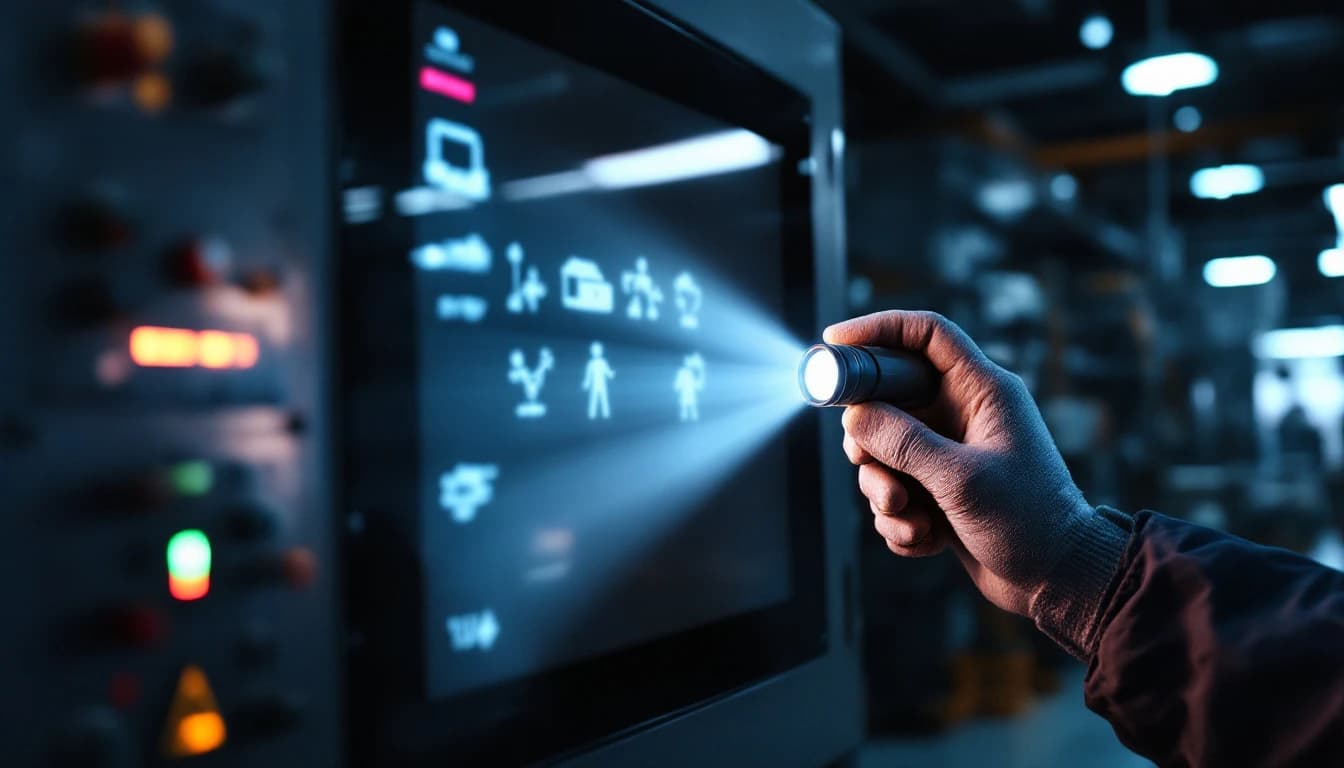
An operator interface goes dark on a running machine and the first assumption is always the worst one: the HMI is dead, order a new one. Most of the time that assumption is wrong, and there is a 30-second test that proves it — before anybody files a purchase requisition, before anybody calls the distributor, and long before anybody discovers that the replacement is discontinued with a twelve-week lead on the secondary market.
As of August 2026, this remains the single highest-value diagnostic we can teach a maintenance tech over the phone. It costs nothing, it cannot make anything worse, and it splits the problem cleanly into two branches with very different price tags.
The test
Take a flashlight — your phone's is fine. Hold it at a sharp angle against the dark screen, almost flat to the glass, and look closely while the machine is powered.
If you can faintly see your screens — ghost images of buttons, numbers, graphics — the display and the entire computer behind it are alive. What failed is the backlight: the lamp that illuminates the LCD from behind. This is far and away the most common HMI failure on machines that run around the clock.
If the screen is truly black — no ghost image, and especially if there are no power or status LEDs anywhere on the unit — the fault moved upstream: usually the internal power supply, occasionally the mainboard.
Either way, the unit is a repair candidate. But the flashlight test tells you which repair you are dealing with before you spend a dollar, and it tells us on the phone whether you should expect the backlight conversation or the power-supply conversation.
| What the flashlight shows | What failed | Typical repair | What survives |
|---|---|---|---|
| Ghost image of your screens | Backlight tube or its inverter | Backlight repair, or CCFL-to-LED conversion | Everything — the terminal never lost its mind |
| Ghost image, screen pink or flickering before it died | CCFL tubes at end of life | Same as above, caught slightly earlier | Everything |
| Nothing, but status LEDs lit | Display or its driver path | Bench diagnosis, display-side repair | Application intact in memory |
| Nothing, no LEDs, unit dead | Internal power supply (aged capacitors) | Power-supply repair with a full recap | Application intact in memory |
| Random restarts before it died | Power supply sagging under load | Same recap, caught earlier | Everything |
That fourth column matters more than the price. On almost every one of these failures, the configured application never left the unit — which is the whole argument for repairing rather than replacing, and the subject of its own guide: will my program survive the repair.
Why backlights die on schedule
Older industrial HMIs — PanelView Standard and Plus, Pro-face GP series, Mitsubishi GOT1000, Siemens 177/277/MP series and many more — use CCFL backlights: miniature fluorescent tubes. They are rated for roughly 50,000 hours to half-brightness. Run the machine around the clock and that is under six years; even a single-shift machine gets there within its working life.
The progression is predictable, and worth recognising early: the screen dims, takes longer to come up on a cold morning, sometimes turns pink or flickers — then quits. The pink cast is not cosmetic; it is the tube's phosphors aging unevenly, and it means you are weeks or months from a dark screen. The high-voltage inverter that drives the tubes fails on its own schedule too, with identical end-stage symptoms, which is why the repair addresses the pair rather than guessing at one.
Newer panels use LED backlights, which last dramatically longer — but their LED driver circuits and power rails still fail, with the same dark-screen result and the same flashlight diagnosis.
None of this is unique to your plant, and it is not evidence anybody mistreated the equipment. The Department of Energy has documented for years how much of US manufacturing capacity runs on equipment well past its design decade, and lifetime-limited components inside that equipment fail on the calendar, not on merit. A backlight at 50,000 hours did its job.
Why "truly black" is usually capacitors
If the flashlight shows nothing and the unit is dead-dead, the odds-on culprit is aged electrolytic capacitors in the internal power supply. Heat and years dry the electrolyte out; equivalent series resistance climbs; the supply starts sagging under load. The early symptom is the one everybody ignores — the terminal restarts itself at random, maybe once a week, then once a shift — and the end state is a unit that will not start at all.
This is the signature failure of Siemens Comfort Panels in particular. TP900s and TP1200s that power-cycle themselves or will not wake up almost always come back to life with a proper recap using quality low-ESR capacitors rated for the thermal environment. It is bounded, well-understood bench work, and it is the reason a "dead" four-figure panel is very often a few-hundred-dollar repair.
Capacitor aging is not a vendor quirk — it is physics that the reliability literature has covered for decades. IEEE publishes extensively on electrolytic capacitor degradation as the dominant wear-out mechanism in power electronics, and EPRI research on power-supply reliability in industrial equipment points at the same component class. When we recap a supply, we are not patching a defect; we are replacing the one part family that was always going to be the first to go.
What the repair should cost
Both failure branches are flat-priced at our bench, because the failure set is bounded and we have done them hundreds of times. As of August 2026:
- Pro-face GP/AGP and Mitsubishi GOT panels: $449 flat — backlight, power supply, or touch digitizer, parts and testing included.
- Siemens Comfort Panels and PanelView Plus 6: $499 flat — same scope, and on the PanelView Plus 6 there is no new-unit alternative at any price, because Rockwell ended the line (that situation has its own guide: PanelView Plus 6 is discontinued — your real options).
- Legacy PanelView Standard: from $449, priced firm after a free evaluation, because the oldest units occasionally arrive with more than one thing wrong.
Every repair carries the 24-month warranty, standard turnaround is 3 to 5 business days in lab, and rush service (1 to 2 days, $149) or an emergency same/next-day bench attempt ($399, call first) are available when the line is down. Full details are on the HMI repair page, and if your unit is a family we have not named, the free technician review exists precisely so you do not have to guess.
Where a proven kit exists we will offer a CCFL-to-LED conversion instead of a like-for-like backlight, which removes the 50,000-hour clock from the unit entirely. If the touch digitizer is also worn — dead corners, drifting presses — replacing it in the same visit is the cheap time to do it.
The replacement math, honestly
The repair argument is not "never replace." It is that the numbers usually favour repair, and you should run them rather than assume.
Replace wins when the panel is a current, cheap, in-stock commodity with no configuration in it. If a $250-new panel with an empty project goes dark, buy the new one; our own repair-versus-replace math guide says exactly that.
Repair wins when any of the following is true, and on production machines at least one almost always is:
- The terminal is discontinued — PanelView Plus 6, GOT1000, the entire Pro-face GP catalogue. The "replacement" is a used gamble or a migration project.
- The lead time is the real cost. Industrial HMI lead times have run weeks-to-months through the post-2021 supply environment, and a bench repair measured in days beats a replacement measured in weeks even when the sticker prices were comparable — which they are not.
- The application lives in the terminal. A new panel needs the project converted, loaded and proven. On validated lines that is change control on top of engineering hours. The Bureau of Labor Statistics will tell you what those engineering hours cost per hour; multiply honestly.
- Downtime dominates everything. Industry surveys from the major automation vendors put unplanned downtime at six figures per hour for heavy industry. Against that denominator, the difference between the repair price and the replacement price is noise — the variable that matters is which path gets the machine running sooner.
Do this before you ship anything
The flashlight test is diagnostic, not preparation. If the answer is "it is coming to the bench," three minutes of prep protects you:
- Back up the project from your engineering workstation if you have it. Not because the repair threatens the copy in the terminal — it does not — but because the failure someday might, and today is a good prompt. The NIST guidance on operational technology makes the same point at much greater length: configuration backups are the cheapest resilience you can buy.
- Photograph the wiring before disconnecting. The photos are for your reinstall, and people are consistently glad they took them.
- Note the symptom history on the RMA — dimming first? pink? random restarts? Those details point the bench straight at the right board. And if the machine also presents any electrical-safety question when you open the cabinet, that is an OSHA lockout/tagout conversation before it is a repair conversation.
- Pack it like it matters, because it does — the packing guide is ten minutes that protects a four-figure unit.
Then start the repair online, write the RMA on the box, and ship it.
Frequently asked questions
My HMI screen is dark but the machine still runs. Is the terminal dead?
Usually not. Hold a flashlight almost flat against the glass with the unit powered: if you can see faint ghost images of your screens, the terminal and its application are alive and only the backlight has failed, which is the most common HMI failure there is. A truly black screen with no LEDs lit points at the internal power supply instead. Both are routine bench repairs, and in both cases your configured application normally survives untouched.
What does it cost to fix a dark HMI screen?
As of August 2026 our flat prices are $449 for Pro-face GP/AGP and Mitsubishi GOT panels and $499 for Siemens Comfort Panels and PanelView Plus 6, covering backlight, power-supply or digitizer repair with parts, testing and the 24-month warranty included. Legacy PanelView Standard units are from $449, firm after a free evaluation. Rush and emergency options exist when the line is down.
Why did my screen turn pink before it went dark?
That is the classic end-of-life signature of a CCFL backlight — the tube's phosphors age unevenly and the colour temperature drifts pink or red before the tube quits entirely. Treat a pink screen as an appointment reminder: the terminal is telling you it has weeks to months left, and repairing it on your schedule beats repairing it on the machine's schedule.
My terminal restarts itself at random. Is that related?
Almost certainly, and it is the early warning worth acting on. Random restarts are the signature of an internal power supply with aged electrolytic capacitors sagging under load — the same fault that eventually presents as a completely dead unit. It repairs cleanly with a full recap using low-ESR capacitors, and catching it at the restart stage means you choose the downtime window instead of the failure choosing it.
Will my screens and settings survive the repair?
Yes, in the overwhelming majority of cases — backlights, power supplies and digitizers have nothing to do with the memory that stores your application, so the project rides through the repair untouched. The honest exceptions are a failed memory device itself or a unit needing firmware recovery, and we tell you before proceeding, not after. Keep your own offline project backup current anyway; the failure that eventually takes a memory device out will not ask permission first.
Is a CCFL-to-LED conversion worth it over a straight backlight repair?
Where a proven kit exists for your panel family, usually yes. A like-for-like CCFL repair resets the 50,000-hour clock; an LED conversion effectively removes it, eliminates the high-voltage inverter as a future failure point, and typically runs cooler. We fit conversions only where the kit is proven for the exact display, because an improvised conversion that changes brightness or colour on an operator screen is not an upgrade.
When should I just buy a new panel instead?
When it is a current, inexpensive, in-stock model carrying no configuration worth preserving — in that narrow case, replacement is the right answer and we will say so at evaluation. The math flips to repair when the panel is discontinued, expensive, long-lead, or holds a configured application your team would have to rebuild and re-prove. On production machines, that last condition is nearly always true.
Have this exact problem?
Start a repair or get a free technician review — we'll tell you honestly whether it's worth fixing.