The most common question we get isn't about price or turnaround. It's some version of: "That terminal runs the machine. If I send it out, do I lose the program?"
Short answer: no. Physical repairs — touch glass, backlights, power supplies, power stages — don't touch application storage. But the fear deserves a real answer, so here's where your program actually lives, platform by platform.
HMIs: the application is in flash, not in the failing parts
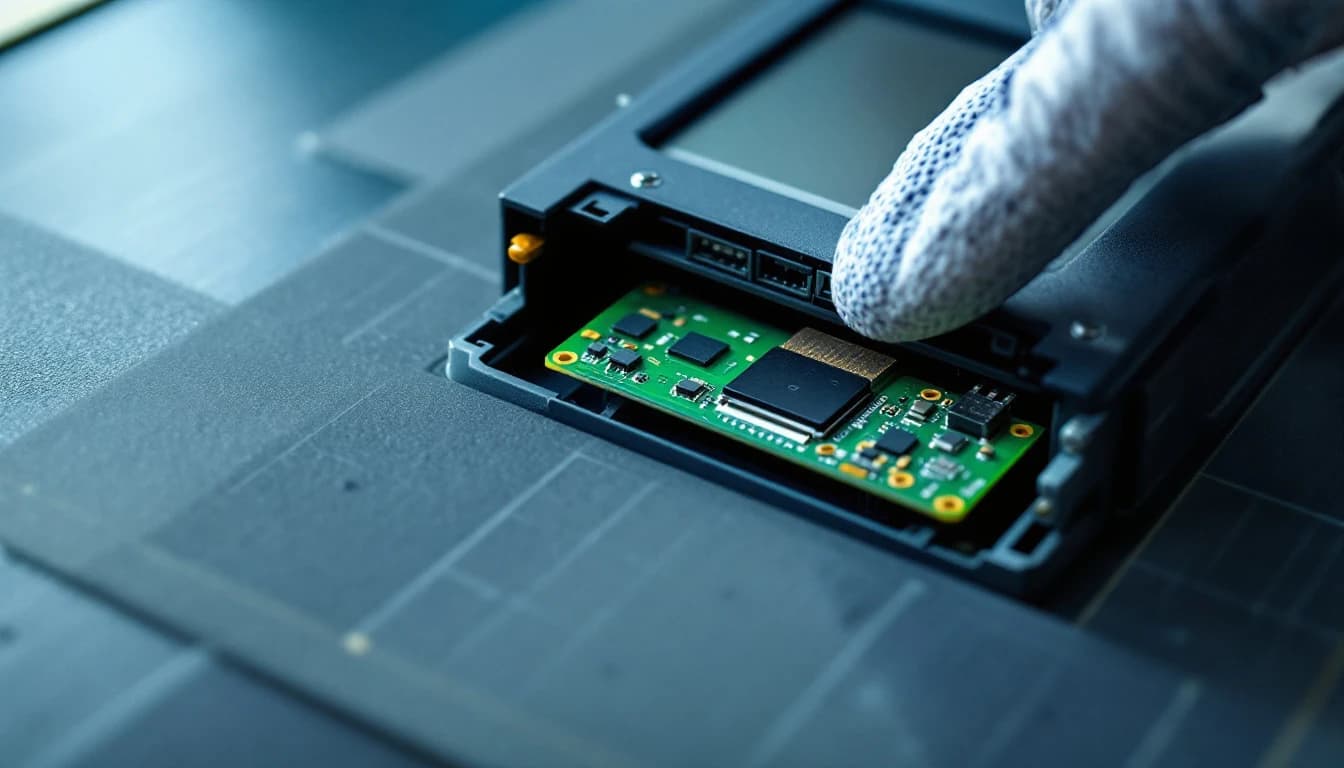
- Allen-Bradley PanelView Plus (6 & 7): the FactoryTalk View ME runtime (.mer) lives in internal flash or a CF/SD card. The parts that fail — digitizer, backlight, power supply — are physically and electrically separate from that storage. A touch repair no more erases your screens than replacing a laptop's cracked glass erases its hard drive.
- Siemens Comfort/Basic/Multi Panels: the WinCC runtime project sits in internal flash (plus optional SD). The classic Comfort Panel failure is power-supply capacitors — a board-level repair that never writes to project storage.
- Pro-face, Mitsubishi GOT, Omron NS/NB: same architecture, same answer — project in flash/CF/SD, failures in glass/backlight/power.
Memory cards: if your application lives on a removable card, you can keep the card when you ship — we test with our own media. If the only copy lives in the unit, say so on the intake form; imaging it before any work is standard practice for us anyway on data-carrying units.
Servo drives: parameters mostly live upstream
- FANUC: servo and spindle parameters live in the CNC control, not the amplifier. A repaired amp reinstalls without reprogramming in nearly every case.
- Mitsubishi MR-J series: parameters sit in the amplifier's protected EEPROM — separate from the IPM and power circuits that fail. Repairs preserve them; we verify the parameter set is intact at final test.
- Yaskawa Sigma: same story — protected parameter memory, untouched by power-stage work.
- Indramat/Ecodrive: the special case, handled specially — firmware and parameters ride on a plug-in firmware module. It stays physically with your unit through our whole process; we never separate them.
The whole answer in one table
| Platform | Where the program/parameters live | What usually fails | Repair risk to the program |
|---|---|---|---|
| PanelView Plus 6 & 7 | .mer runtime in internal flash or CF/SD card | Digitizer, backlight, power supply | None — storage untouched |
| Siemens Comfort/Basic/Multi | WinCC project in internal flash (+ optional SD) | Power-supply capacitors | None — recap never writes to storage |
| Pro-face, Mitsubishi GOT, Omron | Project in flash/CF/SD | Glass, backlight, power | None |
| FANUC servo/spindle amps | Parameters in the CNC, not the amplifier | IGBT/IPM power stage | None — nothing to lose in the amp |
| Mitsubishi MR-J series | Protected EEPROM in the amplifier | IPM, bus capacitors | None — verified intact at final test |
| Yaskawa Sigma | Protected parameter memory | Power stage | None |
| Indramat/Ecodrive | Plug-in firmware module | Power and control boards | None — module never leaves your unit |
| PLC CPUs | CPU memory, battery-backed or flash | (CPUs rarely fail; supplies do) | The one case your own backup matters |
Why the failing parts and the memory never meet
The reassurance above is architectural, not a promise of carefulness. In every one of these platforms the application storage is a separate device on a separate part of the board — flash memory or protected EEPROM — while the components that fail are electromechanical and power-side: backlight tubes, touch layers, electrolytic capacitors, IGBT modules. Repairing the second category involves no write operation to the first. It is the same reason replacing a laptop screen cannot erase its disk.
Non-volatile flash is also simply durable. The retention characteristics documented across the solid-state storage literature published through IEEE put unpowered data retention at a decade or more for the device classes these panels use, and the standards bodies behind them — IEC for the component qualification, ISO for the quality systems they are produced under — exist precisely so that this class of memory behaves predictably for the life of the equipment. The weak point in practice is never the repair bench. It is the coin cell nobody logged, on the one platform family where a battery genuinely holds the program.
That is also why our intake process treats data-bearing as a property of the unit, not of the job. The NIST guidance on operational technology makes configuration backup a first-class control rather than an afterthought, and CISA resilience guidance for industrial control systems repeats it for a harsher threat model than a repair bench: the program that exists in exactly one physical place is the risk, wherever that place happens to be.
PLCs: the program is in the CPU — which is exactly why we repair around it
PLC programs live in CPU memory (battery-backed or flash). The components we repair — rack power supplies, I/O modules, comm modules — carry no program at all, so those repairs are zero-risk to your logic. For CPUs themselves we're blunt: keep your offline project backup current regardless of anyone's repair promises, because a CPU that dies hard takes its memory with it no matter who's holding it. (And verify your battery-replacement procedures on legacy families — more programs are lost to dead batteries during a casual swap than to any repair bench.)
What a professional lab does that protects you further
- Intake notes travel with the unit — "application only exists in this terminal" changes how it's handled from minute one.
- Data-bearing units get imaged before work where the platform allows.
- Nothing is reset or restored to defaults unless the repair strictly requires it — and then only after the image exists and you've been told.
- Functional test proves the application — an HMI leaves our bench booted into your screens, not a test pattern.
The one thing to do on your side
Whatever you send anyone: keep your own offline backups current. The .apa/.mer for your PanelViews, TIA project for Siemens, drive parameter files, PLC project files — on a server, dated. Not because the repair threatens them, but because the failure someday might. The units that scare their owners most are the ones where the only copy of the program is inside the thing that's smoking.
Repair preserves your program. Backups make it so nothing else can lose it either.
What it costs, and how long you are without the panel
As of August 2026, flat-rate HMI repair at our Arlington lab is priced from the published HMI repair catalogue, with a standard turnaround of 3 to 5 business days in lab once the unit arrives. Rush service is $149 and moves you to the front of the queue at 1 to 2 business days. Emergency service is $399 for a same or next business day bench attempt, and that one needs a phone call first so we can confirm we have the capacity before you ship.
Every completed repair carries a 24-month warranty. If we cannot fix it on a quote-track job, the evaluation costs you nothing.
For the wider decision of whether to repair at all, the repair versus replace math sets out the three numbers that actually decide it. If the panel is going in a box today, the packing guide is ten minutes well spent.
Frequently asked questions
Will my HMI application survive the repair?
In the overwhelming majority of cases yes, because the fault is almost never in the memory that holds your application. Backlights, touch digitisers, power sections and capacitors are the common failures and none of them touch stored program memory. The genuine exceptions are a failed memory device itself and a unit that needs a firmware operation to recover, and in both cases we tell you before we proceed rather than after.
Do you image the unit before working on it?
Where the platform allows it, yes, and it happens at intake rather than as an afterthought. That image is what makes an aggressive repair safe: if a later step would clear the application, there is already a copy to put back. On platforms with no supported extraction path we say so up front, which is exactly when your own backup matters most.
What if my only copy of the program is inside the panel?
Tell us at intake, in writing, and it changes how the unit is handled from the first minute. Those are the jobs we treat most conservatively. It is also the single strongest argument for making an offline backup the moment the panel comes back to you, because the next failure may not be one that gives anybody a choice.
Does a dead memory battery mean the program is gone?
Not necessarily, and this catches people out in both directions. On some platforms the application lives in non-volatile flash and the battery only maintains a clock or retentive data, so a dead cell loses very little. On others the battery genuinely holds the program. More programs are lost to casual battery swaps performed without checking which architecture you have than to any bench repair.
How long will I be without the panel?
Standard turnaround is 3 to 5 business days in lab after arrival, plus your shipping each way. Rush at $149 compresses the bench time to 1 to 2 business days. If the line is down now, call before shipping so we can tell you honestly whether an emergency slot exists rather than having the unit sit in a queue.
Do servo drive parameters need to be re-entered after a repair?
Almost never, and the platform decides it. On FANUC, servo and spindle parameters live in the CNC control rather than the amplifier, so a repaired amp reinstalls without any reprogramming. On Mitsubishi MR-J and Yaskawa Sigma families, parameters sit in protected memory inside the drive, physically separate from the power circuits the repair touches, and we verify the set is intact at final test. Back up what your machine allows before shipping regardless — it is a five-minute habit that covers the platform exceptions and the failure modes no repair caused.
Is the Indramat firmware module really safe to ship installed?
Yes — installed is the safe configuration, and removing it is the mistake. On Indramat and Ecodrive families the firmware and parameters ride on a plug-in module that is married to your unit, and our process never separates them: the module stays physically with your drive from intake photograph to final test. A module posted separately "for safekeeping" is the version of this story that ends with an unbootable drive and a search through desk drawers.
Will the panel come back configured, or reset to defaults?
Configured. Nothing is reset or restored to factory defaults unless the repair strictly requires it, and if it does, that happens only after an image exists and only after you have been told. A repaired HMI should leave the bench booted into your screens, and a functional test that ends on a generic test pattern is not a finished job.
Have this exact problem?
Start a repair or get a free technician review — we'll tell you honestly whether it's worth fixing.