Industrial Touchscreen Not Responding — Repair, Don't Replace
A touchscreen that ignores your finger while the display still works is almost always a failed touch layer (digitizer) — not a dead terminal. On resistive panels the layer wears at the most-pressed spots; on bonded-glass units (like PanelView Plus 7) the touch laminate fails while everything behind it stays healthy. Both are board-level repairs that preserve your application.
What's usually behind it
Worn resistive digitizer
Years of the same OK button being pressed wears through the resistive layers. Dead zones appear first, then whole regions stop responding. The digitizer is a replaceable component on most industrial HMIs.
Failed bonded touch laminate
Newer panels bond the touch layer to the glass. When it fails, the unit often still works over VNC/remote access — proof the logic is fine. Replacement is delicate bench work with proper cure time, and far cheaper than a new terminal.
Touch controller failure
Less common: the touch controller circuit fails, sometimes after an electrical event. Diagnosed and repaired at board level.
Calibration drift
If touches register in the wrong place (rather than not at all), recalibration may be all it needs — we check this first and won't charge a repair for a calibration.
Narrow it down yourself first
Work through these before you pull anything out of the panel. Several of them will tell you the unit is fine and the fault is somewhere else entirely.
- □Confirm the supply feeding the terminal is actually delivering its rated voltage under load — a failing panel supply mimics a dead HMI exactly.
- □Shine a bright light at an angle across a dark screen. If you can make out the application faintly, the LCD is alive and you have a backlight fault, which is a cheaper and faster repair.
- □If the unit boots but the touch is wrong only in one region, note where. Localized dead zones point at digitizer wear; whole-screen drift more often points at the controller.
- □Note the exact text of any boot or fatal error. The code narrows the fault far faster than "it will not start".
- □Back up your runtime application if you have a copy — we preserve what is on the unit, but a backup is cheap insurance on any repair.
What happens if you send it to us
If the checks above point at the unit, this is the sequence it goes through — the same one every time, so nothing gets skipped because a fault looked obvious.
- 1
Intake and symptom replication
We log the unit against your RMA and power it on the bench to reproduce what you reported. A terminal that boots fine for us is worth knowing about early — intermittent faults are usually thermal or a marginal power rail, and both change what we test next.
- 2
Rail and power-supply measurement
The internal supply is measured under load, not just at idle. Aging electrolytic capacitors lose capacitance and gain equivalent series resistance, so a rail can read correct on a meter and still collapse the moment the backlight or processor draws current. Ripple is checked on a scope rather than assumed.
- 3
Display, backlight and touch isolation
A dark screen is separated into three different repairs: a failed backlight (image still faintly visible under a bright light), a failed inverter or LED driver, or a genuinely failed LCD. Touch faults are isolated to the digitizer, its flex tail, or the controller before anything is replaced.
- 4
Board-level repair
We replace the failed components — capacitors, backlight assembly, digitizer, driver circuitry — rather than swapping whole boards. Where capacitor aging is found on a supply, the set is replaced, because the ones that have not failed yet have lived the same thermal life as the one that did.
- 5
Functional test and burn-in
The terminal is booted repeatedly from cold, the touch grid is calibrated and checked corner to corner, communication ports are exercised, and the unit is left running to catch faults that only appear once it is warm.
Repairs that fix this
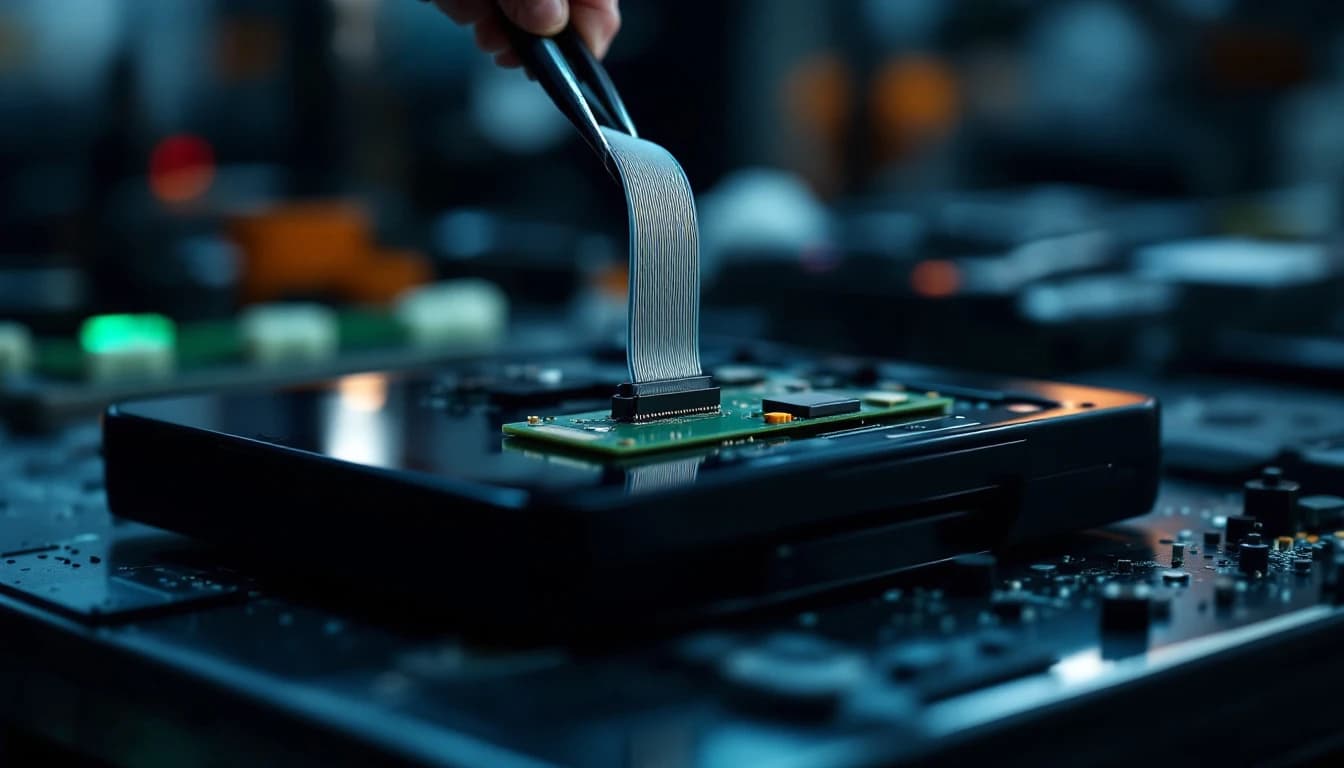
Allen-Bradley
$499PanelView Plus 6 Repair
Dead screen, unresponsive touch, or boot loop on a discontinued PanelView Plus 6? Flat-price repair with your application preserved — no replacement exists.
3–5 business days in lab · Buy online now →
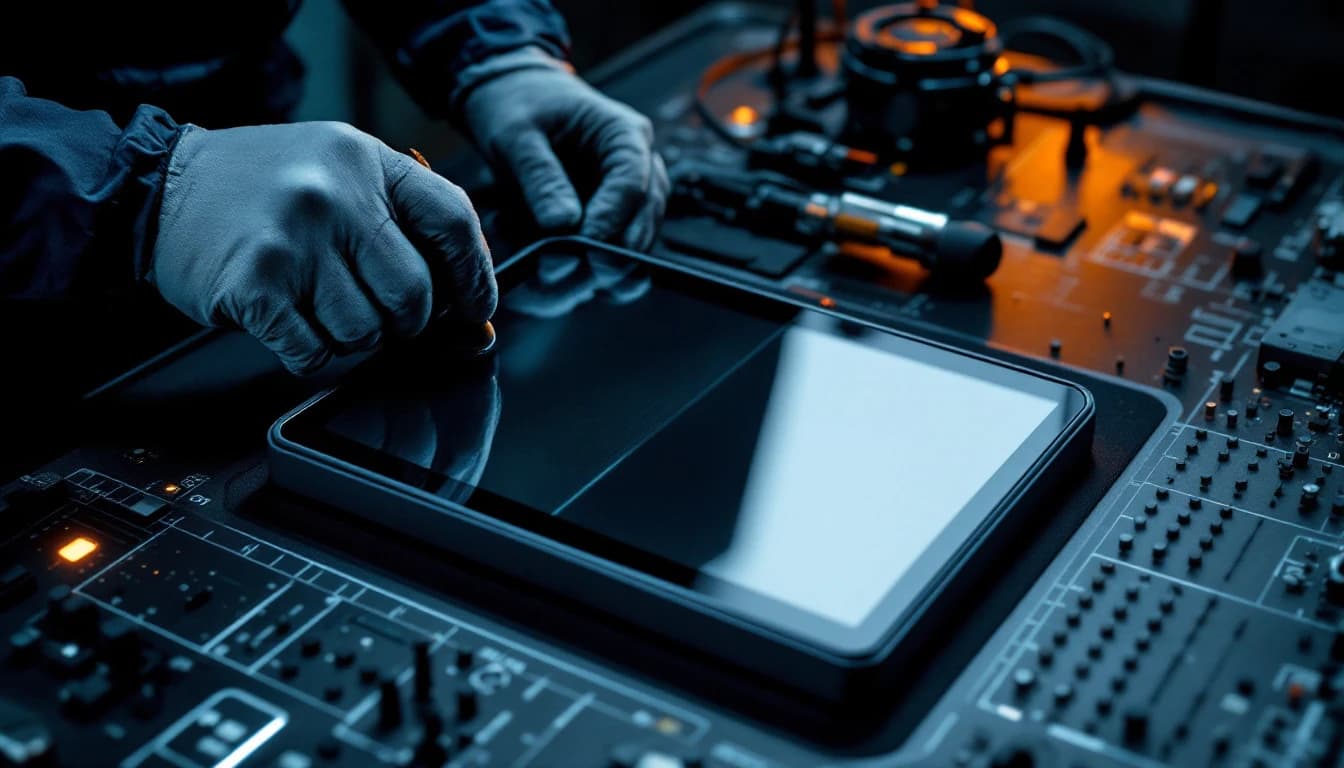
Allen-Bradley
$649PanelView Plus 7 Repair
Factory-channel PanelView Plus 7 repairs are quoted at $2,700–$4,000. Ours is a flat $649 — same bonded-glass repair, 24-month warranty.
3–5 business days in lab · Buy online now →
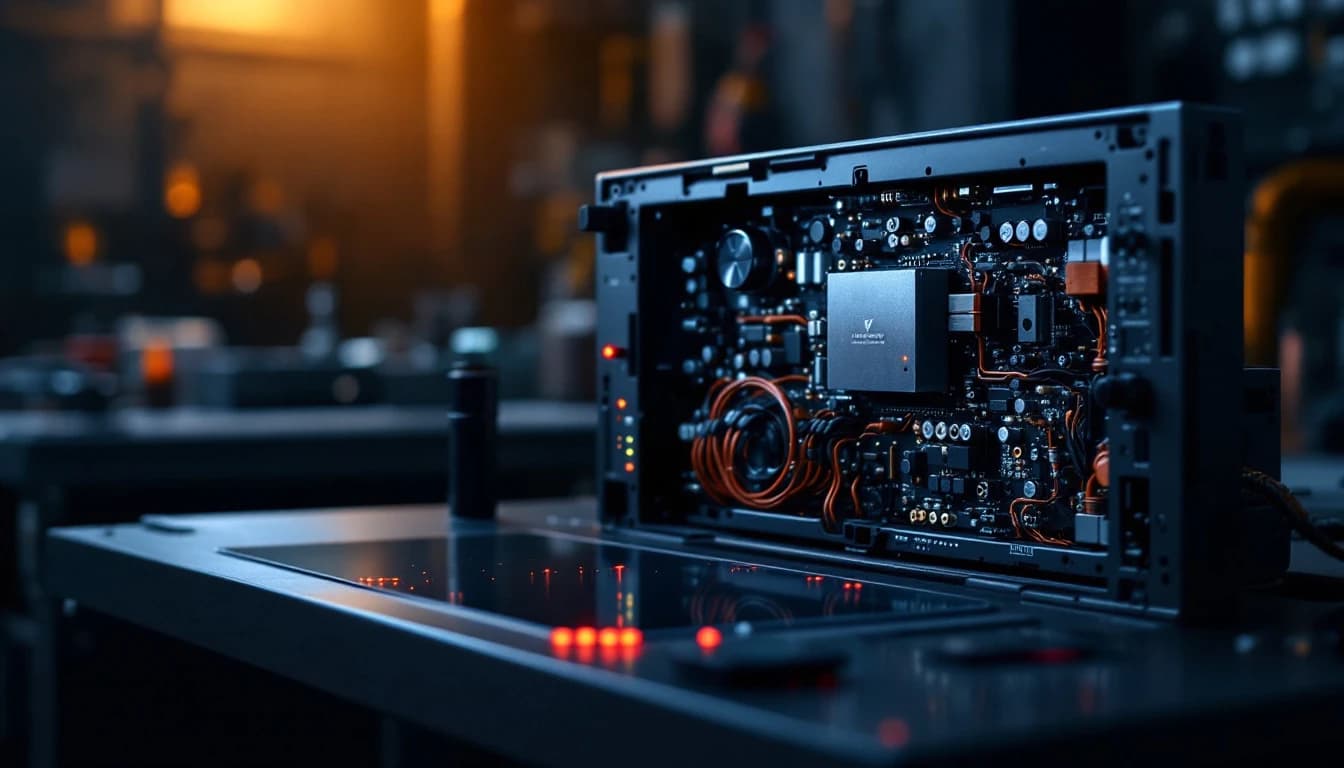
Siemens
$499Siemens Comfort Panel Repair
The classic Comfort Panel failure is a power-supply that quits — a clean bench repair. Flat $499 with your WinCC project preserved.
3–5 business days in lab · Buy online now →
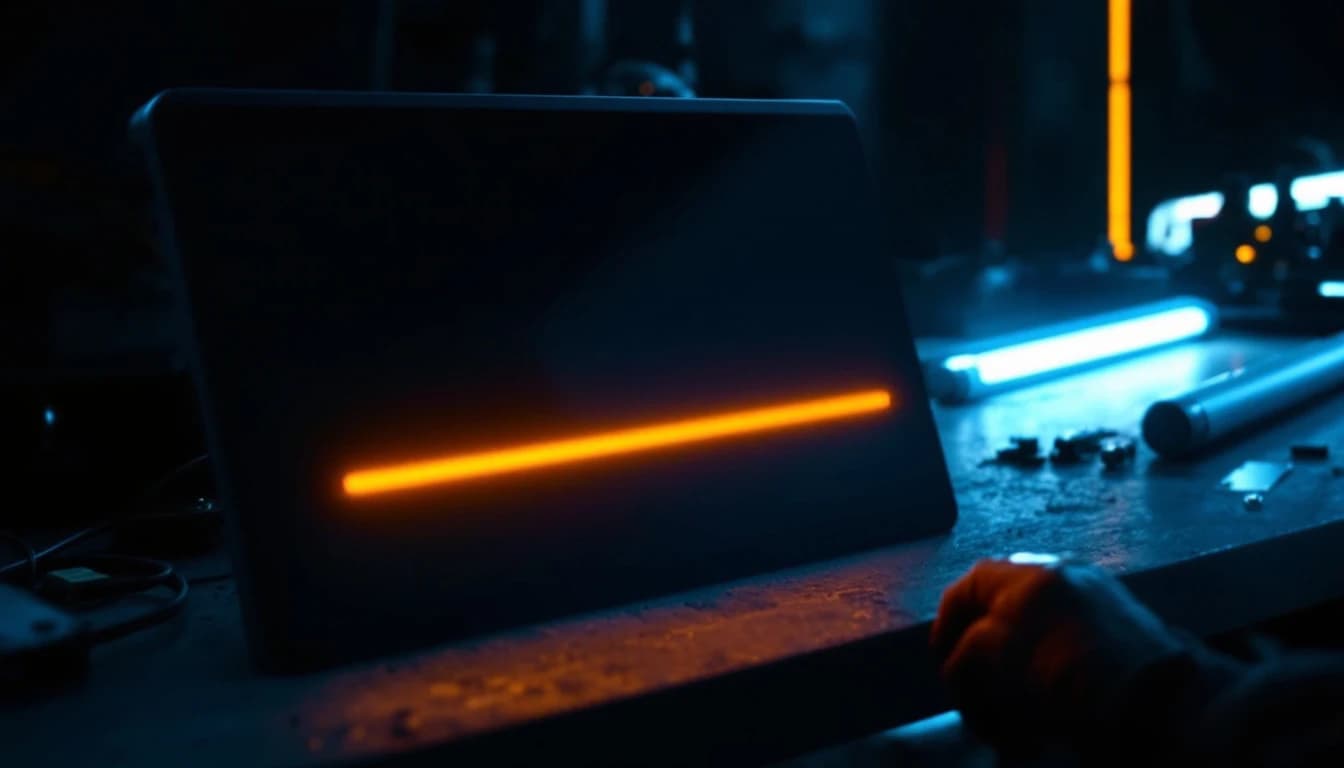
Pro-face
$449Pro-face HMI Repair
Pro-face touchscreens run machines for decades — until the backlight or digitizer quits. Flat $449 repair, project preserved.
3–5 business days in lab · Buy online now →
Mitsubishi Electric
$449Mitsubishi GOT Repair
GOT1000 support ends in 2027 and replacements mean rework — repair keeps your exact unit running. Flat $449.
3–5 business days in lab · Buy online now →
Machine down? Let's get it back up.
Start a repair online in two minutes, or send us the part number for a free technician review.
The Fixed-or-Free Guarantee: if we can't repair it, you don't pay for the repair.
Call (817) 799-7332 · 📱 Text us a photo of your unit · Email repairs@controlboardlab.com