PLC Rack Dead? Check the Power Supply Before You Buy a CPU
A dark rack, a processor that faults when the panel warms up, or I/O that browns out intermittently — the rack power supply is the usual culprit, and it is dramatically cheaper to fix than the CPU everyone suspects first. Supplies repair beautifully: rectifiers, capacitors, and fans are all standard bench work.
What's usually behind it
Aged filter capacitors
The dominant failure in 10-30 year old rack supplies. Output sags under load, the rack faults when warm, then one day it doesn't come up at all.
Rectifier / input stage failure
Takes the supply out completely, sometimes with a popped fuse upstream. Board-level repair.
Fan failure and heat death
A seized fan cooks everything downstream. Fans are replaced as standard in our supply repairs.
It actually IS the CPU (rarely)
If the supply tests good on load, we tell you — and we're honest that most dead CPUs have no economic component-repair path. Test-and-verify beats false hope.
Narrow it down yourself first
Work through these before you pull anything out of the panel. Several of them will tell you the unit is fine and the fault is somewhere else entirely.
- □Move the suspect module to a different slot. If the fault follows the module it is the module; if it stays with the slot, the problem is the rack or backplane.
- □Identify exactly which points have failed and whether they are stuck on, stuck off, or intermittent. Stuck-on outputs usually mean a shorted driver; stuck-off can be the driver or its supply.
- □Check the field wiring on the failed points for shorts and for inductive loads without suppression diodes or snubbers — otherwise the repaired module fails the same way.
- □Confirm the rack power supply is healthy under full load. A sagging supply produces faults that look like several modules failing at once.
- □Send the module only. We do not need the rack, processor or field wiring.
- □Measure the output under real load, not disconnected. A supply that reads correct at idle and sags in the rack is the single most common industrial power-supply fault, and it is invisible on a bench meter with nothing connected.
What happens if you send it to us
If the checks above point at the unit, this is the sequence it goes through — the same one every time, so nothing gets skipped because a fault looked obvious.
- 1
Intake and channel mapping
The module is logged and the reported fault mapped to specific points. I/O modules rarely fail as a whole unit — far more often a subset of channels has failed while the rest work, so we establish exactly which points are dead and in what way.
- 2
Point-by-point testing
Every input or output point is exercised individually against the module's own specification. This is what separates a real repair from a visual inspection: a module can pass a power-on self-test and still have three dead outputs.
- 3
Driver and isolation repair
Failed output drivers and input opto-isolators are replaced. These are the components that take the damage when an inductive load is switched without suppression or when a field wire shorts to a supply, and they are replaceable at board level.
- 4
Backplane interface check
The backplane or bus interface is verified, since a module that appears dead in the rack while testing correctly in isolation usually has interface damage rather than I/O damage.
- 5
Full functional retest
Every channel is retested after repair, not only the ones that were reported faulty, so the module returns as a fully proven part rather than a partially repaired one.
Repairs that fix this
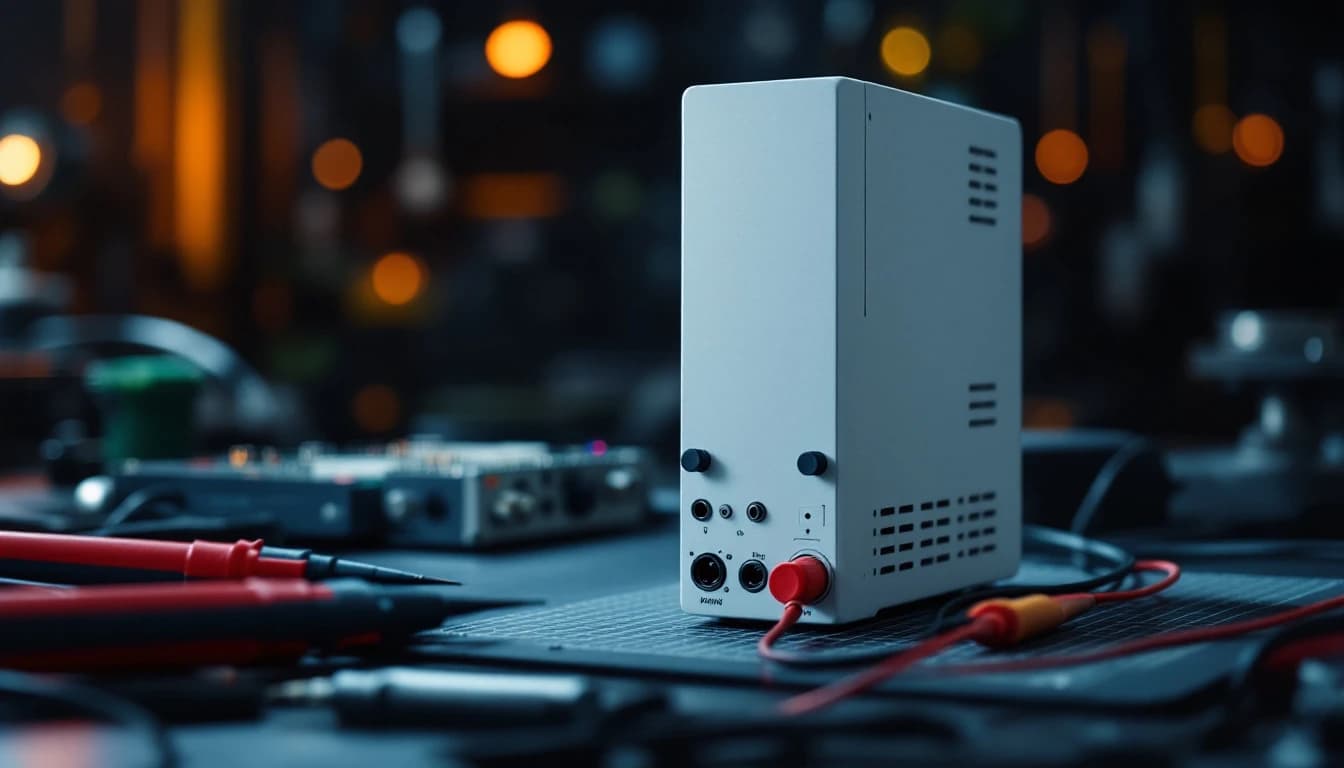
Multi-brand
$349PLC Power Supply Repair
A dead rack is usually a dead power supply — and power supplies repair beautifully. Flat $349, load-tested before return.
3–5 business days in lab · Buy online now →
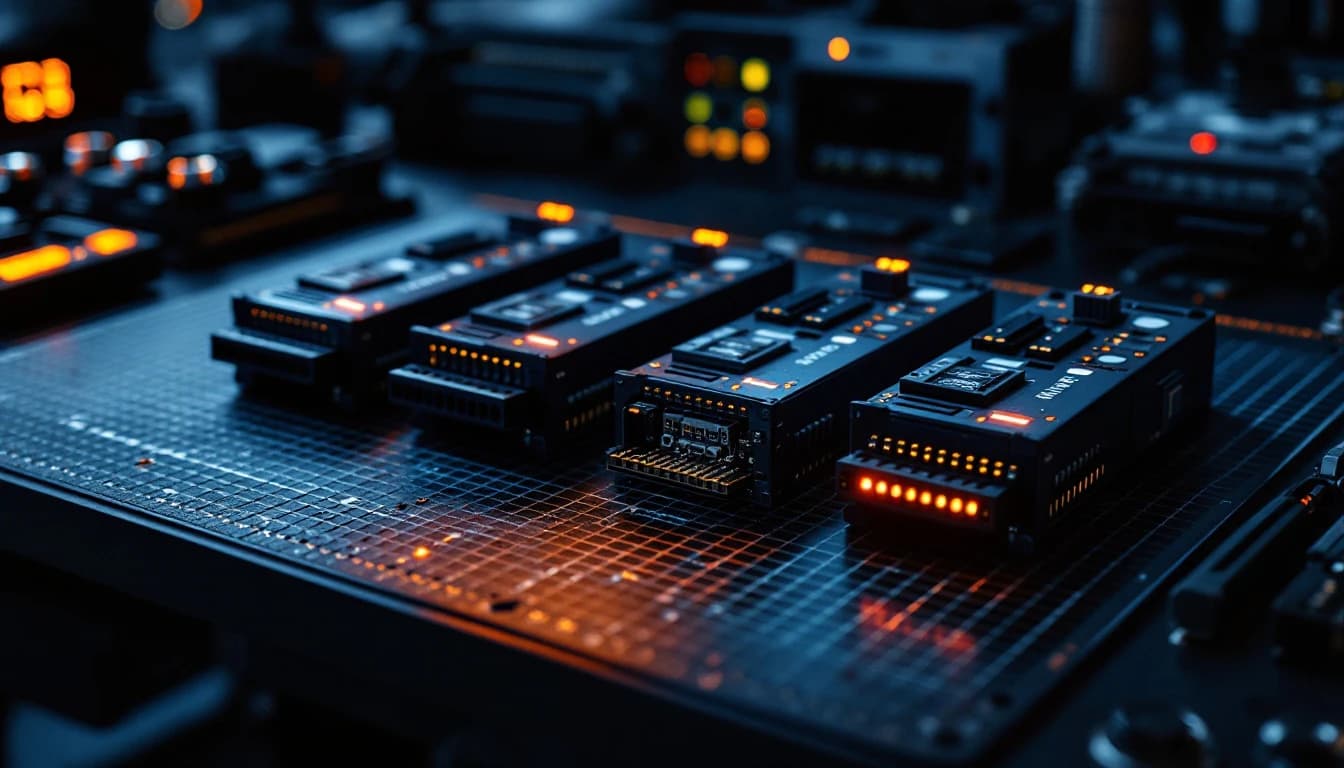
Multi-brand
Free evaluationPLC Module Repair
Failed I/O channels, dead comm modules, obsolete analog cards — free evaluation, typical repairs $250–$650. And we'll tell you straight when a module isn't worth repairing.
3–5 business days in lab · Free evaluation →
Machine down? Let's get it back up.
Start a repair online in two minutes, or send us the part number for a free technician review.
The Fixed-or-Free Guarantee: if we can't repair it, you don't pay for the repair.
Call (817) 799-7332 · 📱 Text us a photo of your unit · Email repairs@controlboardlab.com